
Options below advanced settings
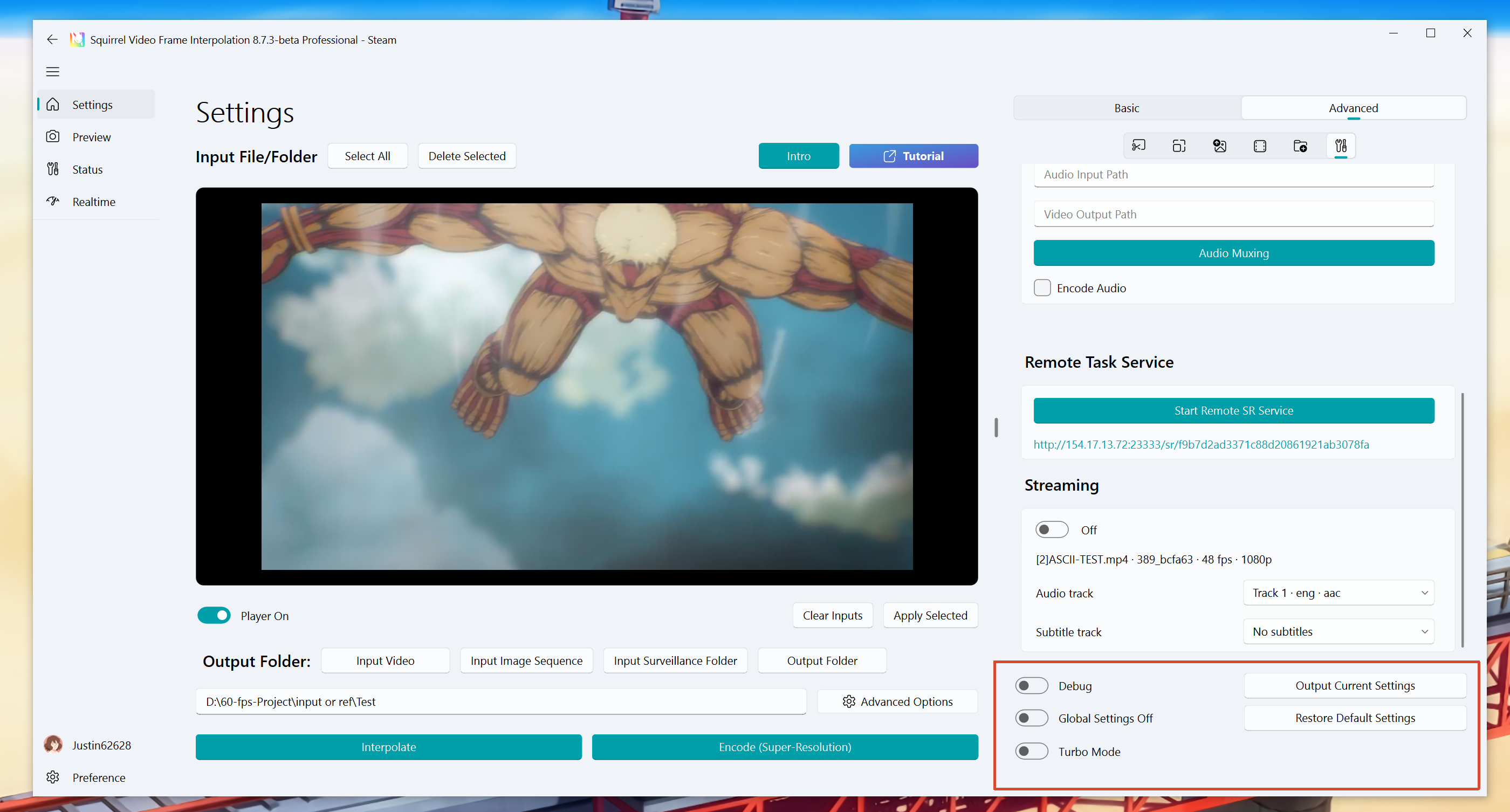
Debug, global settings, Turbo, and the export / restore buttons at the bottom of the Advanced panel.
Output Current Settings
Export the settings information as an .ini file, which can be shared with other users to contribute their settings. The usage method is to directly drag it into the software, and it will prompt that the preset has been successfully applied.
See Usage Tips for detailed usage.
Tips
If the video output of the software does not meet expectations, such as color shift or visibly wrong results, you can click this button and send the settings file to the developer to locate the problem.
Restore to Default
Restore Advanced Settings to Default. This will not affect the settings in the Preference settings panel.
Global Settings
Apply the same setting to all tasks in the list, with regard to the high-lighted current task before clicking start button.
Debug
Output debug information during the task.
Warning
In some cases, this mode will add debug content to the picture and slow down the task processing speed.
So please turn off this option when processing tasks formally.
Turbo mode
Accelerates the existing workflow, improving task processing speed.
Tips
This feature requires the purchase of the Professional DLC.
Tips
Available only for NVIDIA graphics cards, with some features and models having limitations