
Image restoration models
These models appear in the super-resolution list or as restore toggles in Advanced settings. They run at 1× (no upscale) for decompression, watermark removal, debanding, and demosaic. All of them are provided in the Professional version.
Anime IRL Anti-Subtitle Decompress Turbo-OnlyAlgorithm overview
| Algorithm | Edition | Tags | Rec. | AMD |
|---|---|---|---|---|
| BasicVSR++ T3 | Pro | IRL Decompress | ★★★★☆ | × |
| Gloom | Pro Beta | Anime IRL | ★★★★☆ | × |
| InPaint STTN | Pro Beta | Anti-Subtitle | ★★★☆☆ | × |
| LaMa | Pro Beta | Anti-Subtitle | ★★★☆☆ | × |
| DeMosaic | Pro Beta | Anime IRL | ★★★☆☆ | × |
| DLSS NR | Pro Beta | IRL Turbo-Only | ★★★☆☆ | × |
| DeepDeband | Pro Beta | Anime IRL | ★★★☆☆ | × |
| FMNet | Pro Beta | Anime IRL | ★★★☆☆ | × |
Warning
Multi-frame restore (T3, Gloom, InPaint) is VRAM-heavy; 6 GB or more is safer.
DeepDeband / FMNet are available only on the public-beta branch.
BasicVSRPlusPlusRestore
IRL-oriented; quality depends on sequence length. T3 is included in the release Professional version; the _trt variant is available only on the public-beta branch.
| Model | Edition | Tags | Rec. | Strengths | Weaknesses |
|---|---|---|---|---|---|
| basicvsrpp_ntire_t3_decompress_max_4x | Pro | IRL Decompress | ★★★★☆ | Excellent on heavily compressed footage | Slow and high VRAM; despite the 4x name, SVFI uses it as a 1× restore model |
| basicvsrpp_ntire_t3_decompress_max_4x_trt | Pro Beta | IRL Decompress | ★★☆☆☆ | TensorRT attempt | Recommended only for GPUs with at least 16 GB VRAM |
Visual comparison


Gloom
Gloom is available only on the public-beta branch. It is a multi-frame enhancement model for low-resolution footage and can restore before upscaling; then specify 2× output resolution to use it as an SR model. Gloom-pro sequence length must be 4n+1 (1 / 5 / 9 / …); try 16 for Gloom and 33 for pro.
| Model | Edition | Tags | Rec. | Strengths | Weaknesses |
|---|---|---|---|---|---|
| Gloom_x1 | Pro Beta | Anime IRL | ★★★★☆ | Uses multiple frames to enhance the image | High VRAM |
| Gloom-pro_x1 | Pro Beta | Anime IRL | ★★★★☆ | Stronger pro path | At least 8 GB VRAM recommended |
InPaint Watermark Removal Model
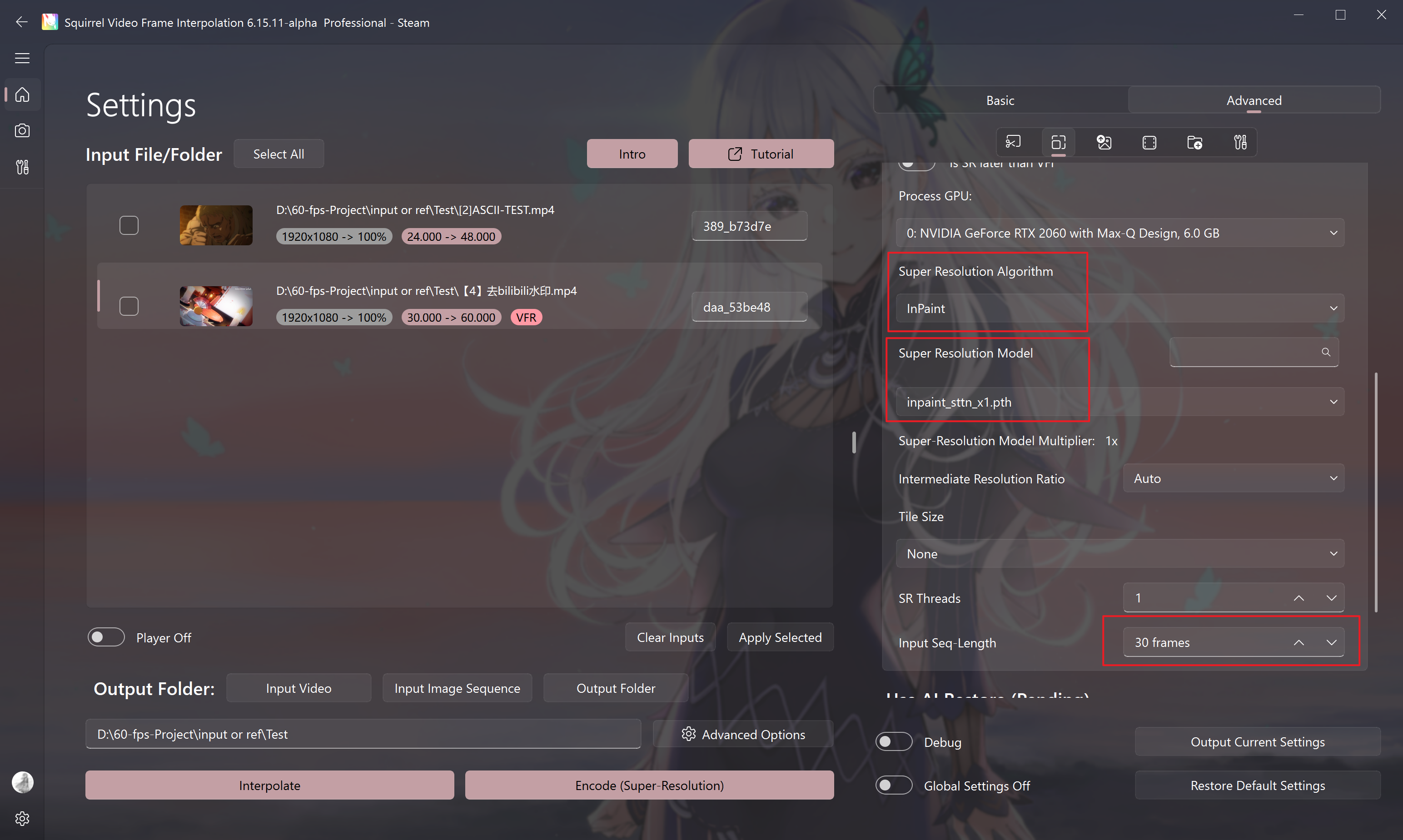
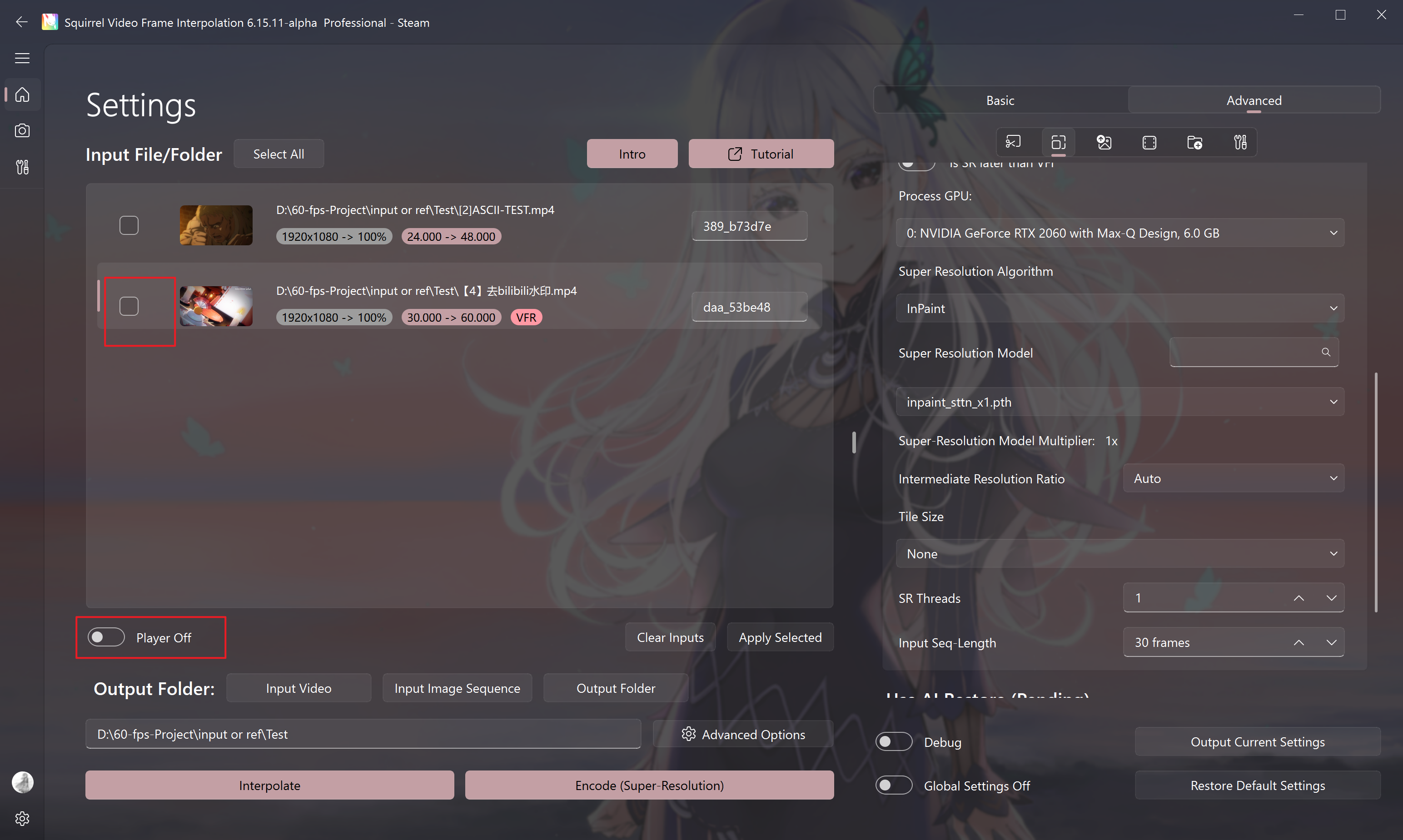
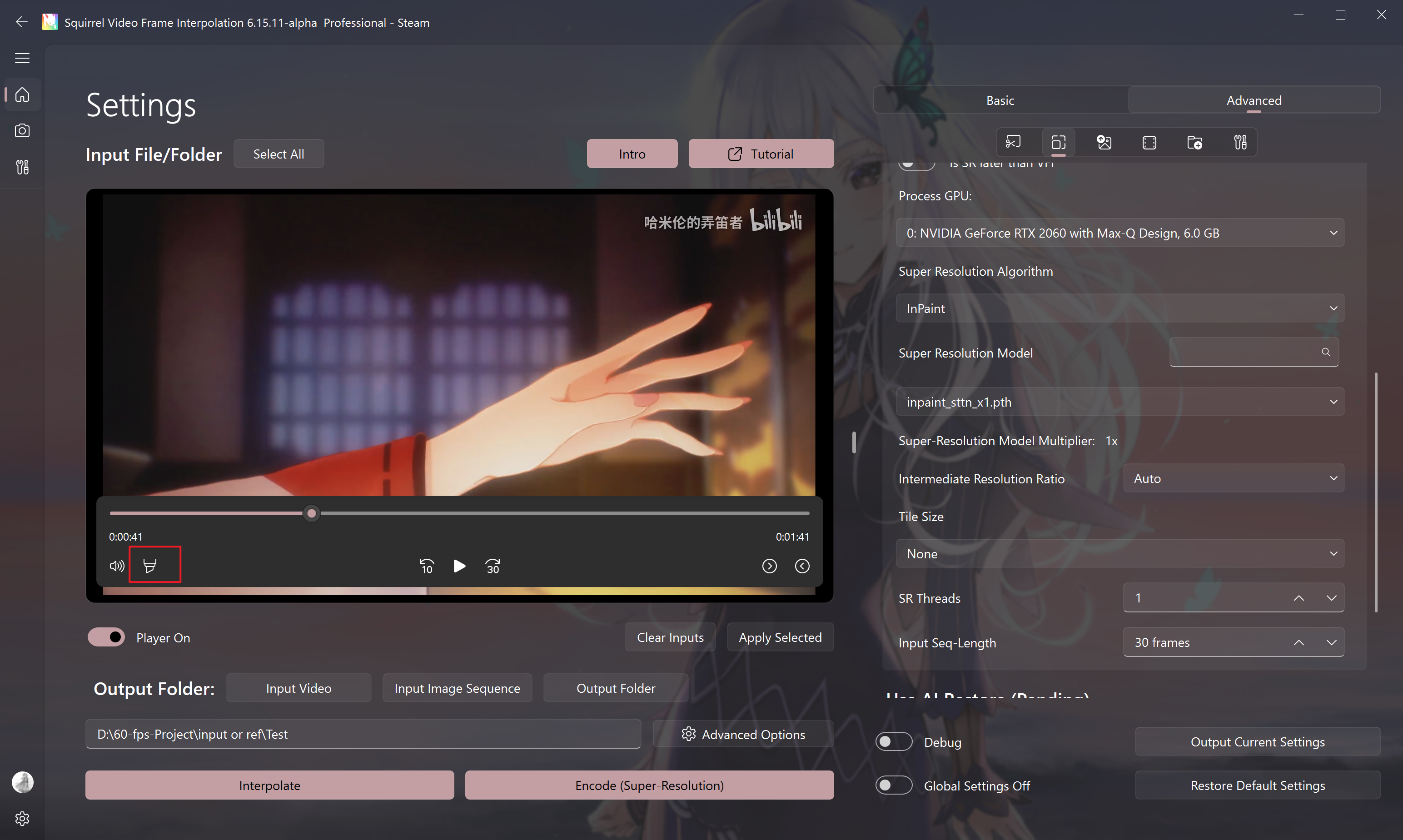
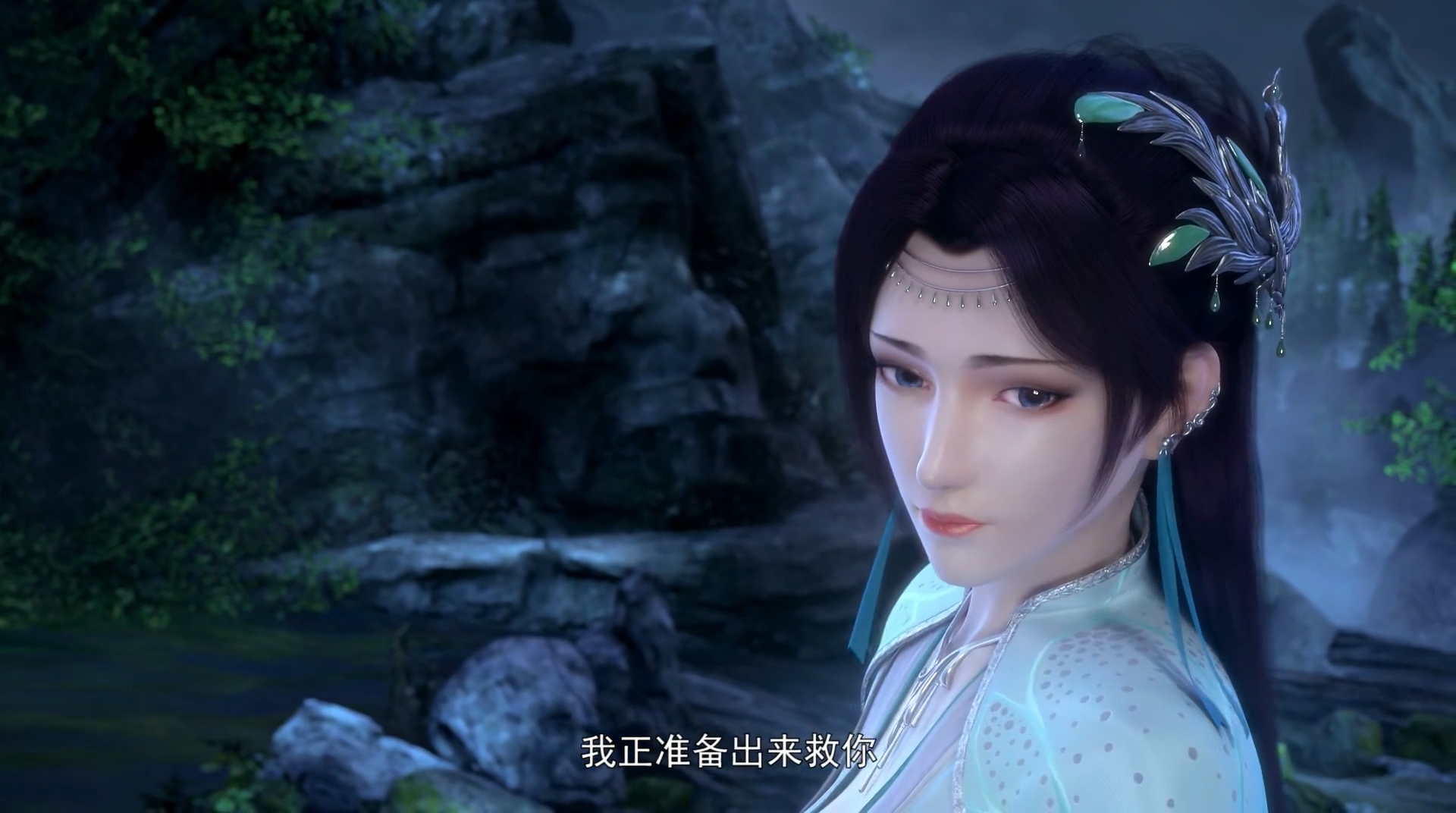
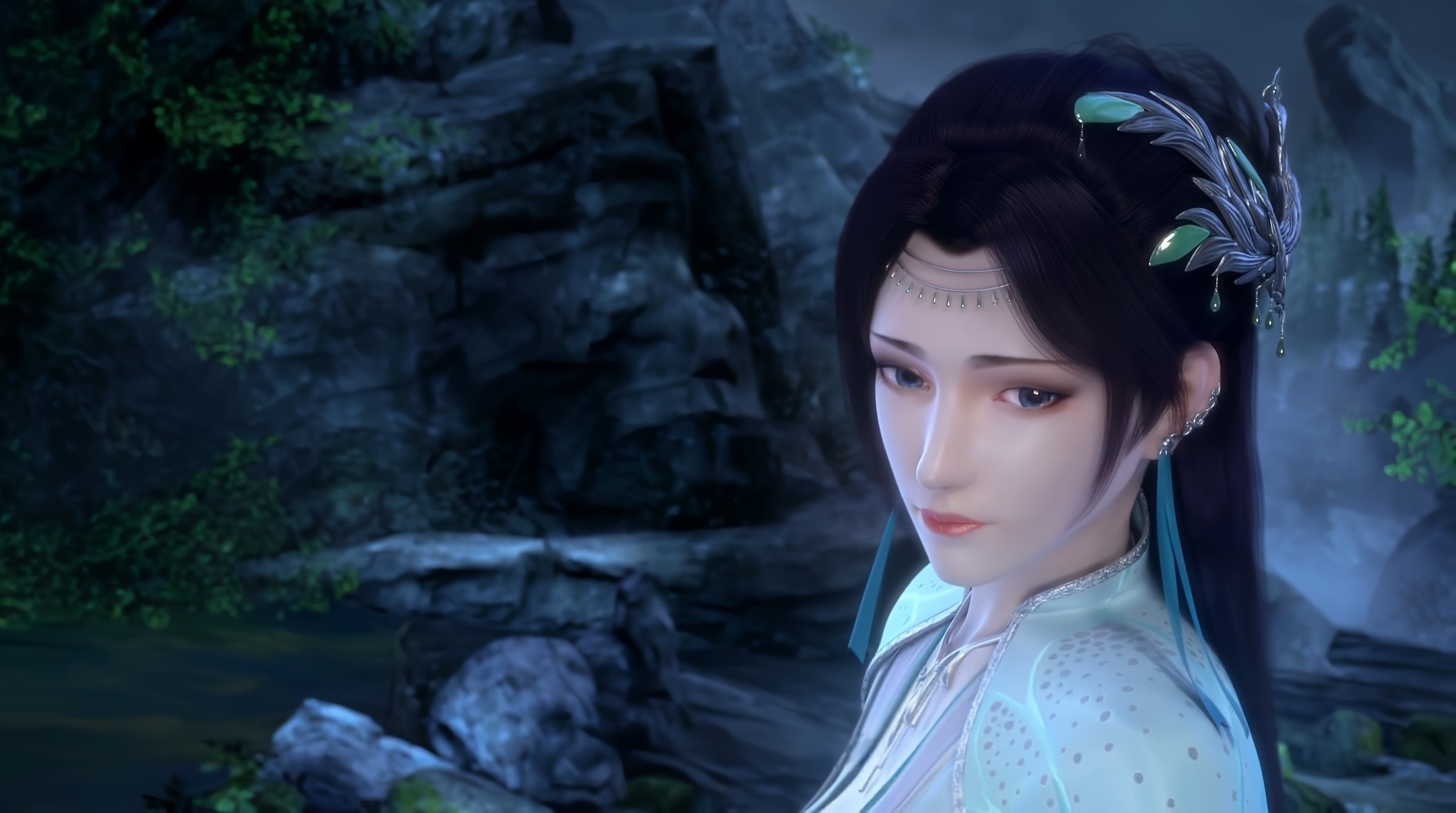
InPaint_STTN is available only in the public-beta Professional version. It performs 1× restoration and needs a static mask from the internal player.
| Model | Edition | Tags | Rec. | Strengths | Weaknesses |
|---|---|---|---|---|---|
| InPaint_STTN | Pro Beta | Anti-Subtitle | ★★★☆☆ | Static watermarks inside the mask can be removed automatically | Fails on solid/static backgrounds; the mask must contain motion |
Steps
- Enable super-resolution and select this model
- Open the internal player
- Enable the mask
- Draw and save
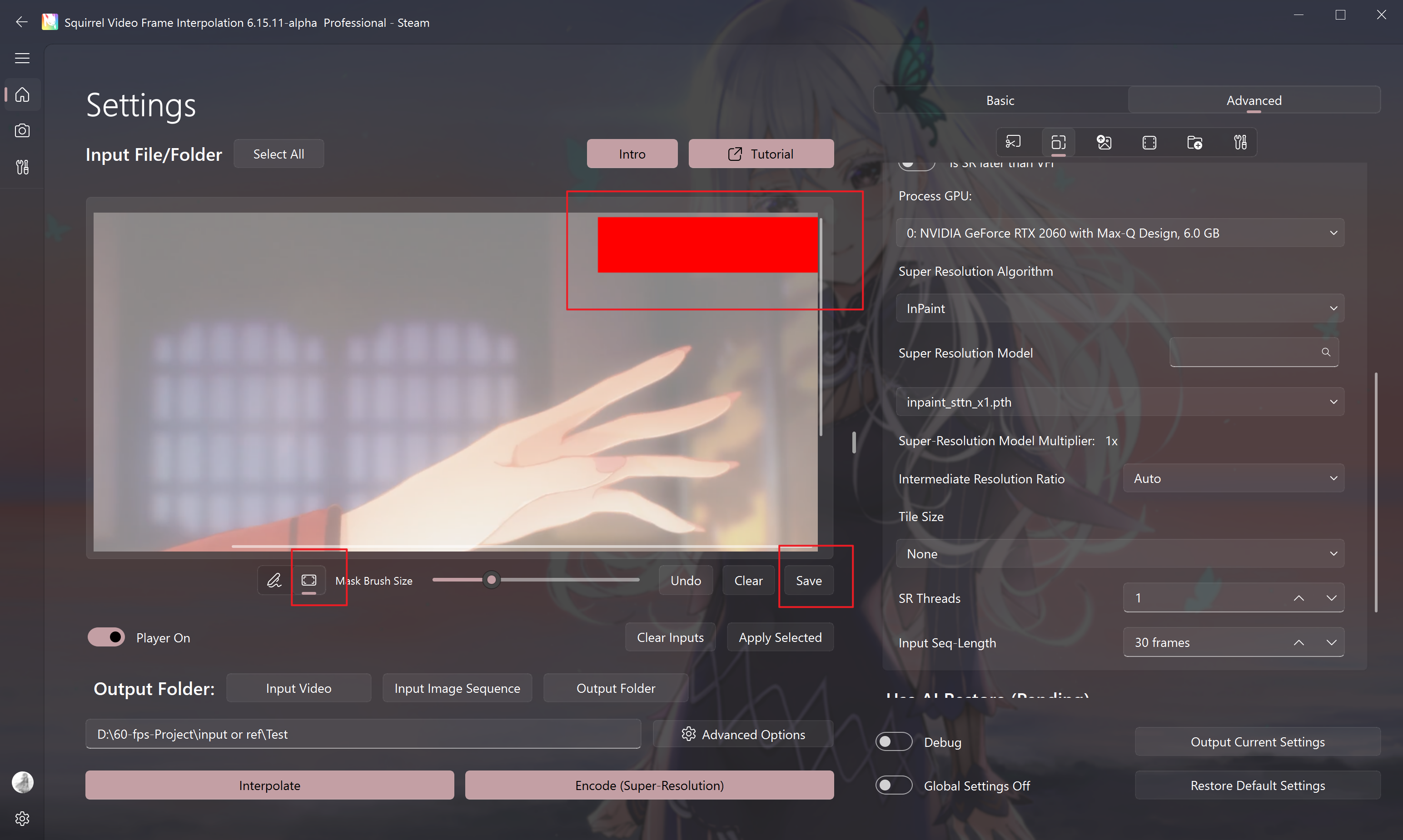
Leave enough moving content inside the mask, or detection fails.
Warning
Watermarks on solid / fully static backgrounds inpaint poorly.
- Click Encode. Sequence length greater than 30 is recommended.
LaMa
LaMa is a classic image erasure model. SVFI automatically detects subtitles in video and removes them. It is not suitable for solid-color still backgrounds.
| Model | Edition | Tags | Rec. | Strengths | Weaknesses |
|---|---|---|---|---|---|
| big-lama | Pro Beta | Anti-Subtitle | ★★★☆☆ | Classic erase network; works with a mask | Also weak on solid stills |
DeMosaic
DeMosaic removes mosaic and pixelation from special-source footage. SVFI automatically detects and removes mosaics. In debug mode, it does not remove them, but shows the detected regions so the mosaic-detection threshold can be adjusted.
| Model | Edition | Tags | Rec. | Strengths | Weaknesses |
|---|---|---|---|---|---|
| bvpp_x1 (DeMosaic, LADA) | Pro Beta | Anime IRL | ★★★☆☆ | Removes mosaics | Incompatible with the 16-bit workflow |
DLSS NR
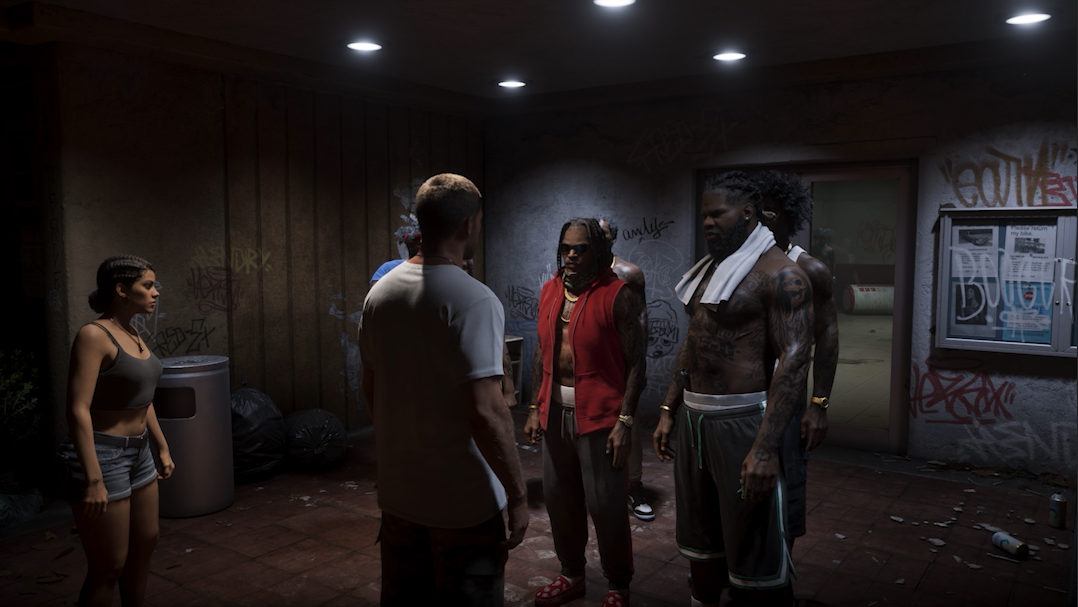
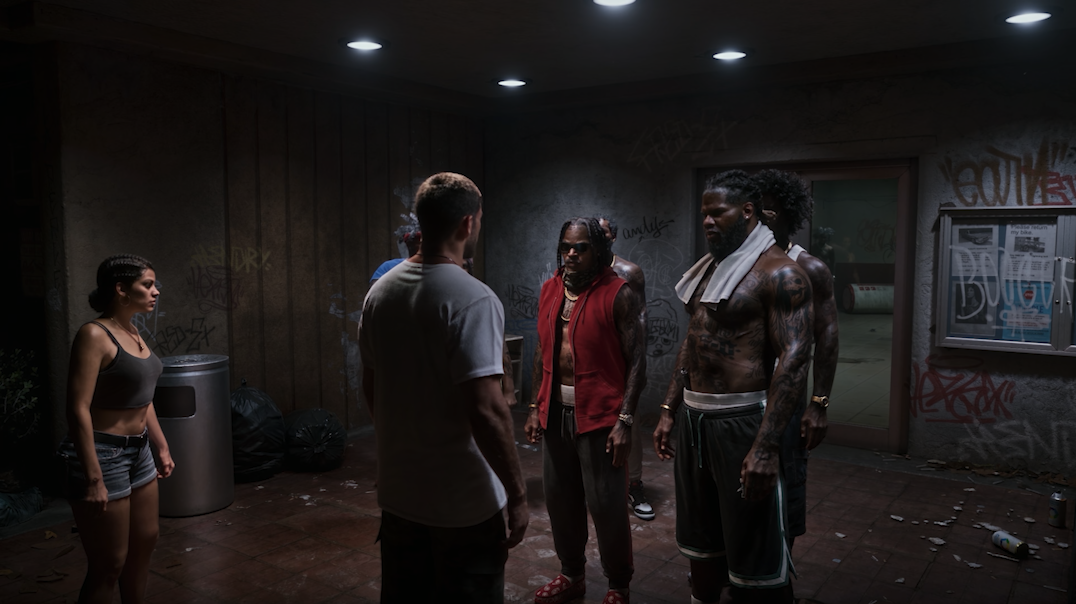
DLSS NR is a 1× denoise model that must use Turbo and currently supports only the 8-bit workflow. It is designed to add realistic lighting detail to game recordings.
| Model | Edition | Tags | Rec. | Strengths | Weaknesses |
|---|---|---|---|---|---|
| DLSSNR_x1 | Pro Beta | IRL Turbo-Only | ★★★☆☆ | Adds realistic lighting detail | Turbo required; currently 8-bit only |
DeepDeband
DeepDeband uses an AI algorithm to remove banding from video. Available only on the public-beta branch.
| Model | Edition | Tags | Rec. | Strengths | Weaknesses |
|---|---|---|---|---|---|
| deepdeband-f / deepdeband-w | Pro Beta | Anime IRL | ★★★☆☆ | Reduces color banding | Unavailable on Turbo |
FMNet
FMNet uses an AI algorithm to convert SDR video to HDR10 video. Available only on the public-beta branch. When enabled, the video becomes HDR10 with static metadata.
| Model | Edition | Tags | Rec. | Strengths | Weaknesses |
|---|---|---|---|---|---|
| FMNet anime_v1 / anime_v2 / final | Pro Beta | Anime IRL | ★★★☆☆ | Restore for HDR and color-grading scenarios | Unavailable on Turbo |